How Do You Write a Changelog That Customers Actually Read?


If you ran a mid-sized coffee chain and changed the roast of your espresso, you would not put a sign on the door that said: "Refactored bean sourcing to use a medium-dark profile with configurable extraction parameters." You would say: "Your morning latte is now smoother and less bitter."
We all know this. We all experience the world as consumers who want to know what is in it for us. And yet, when we sit down to write release notes for software, we forget it entirely. We write for the engineering team that shipped the work, not for the customers who need to understand what changed and why it matters to them.
The result is a changelog full of ticket numbers, internal jargon, vague feature names, and zero context about impact. Customers ignore them. Support teams field questions that were already answered in the release. Product adoption suffers because users don't know new capabilities exist.
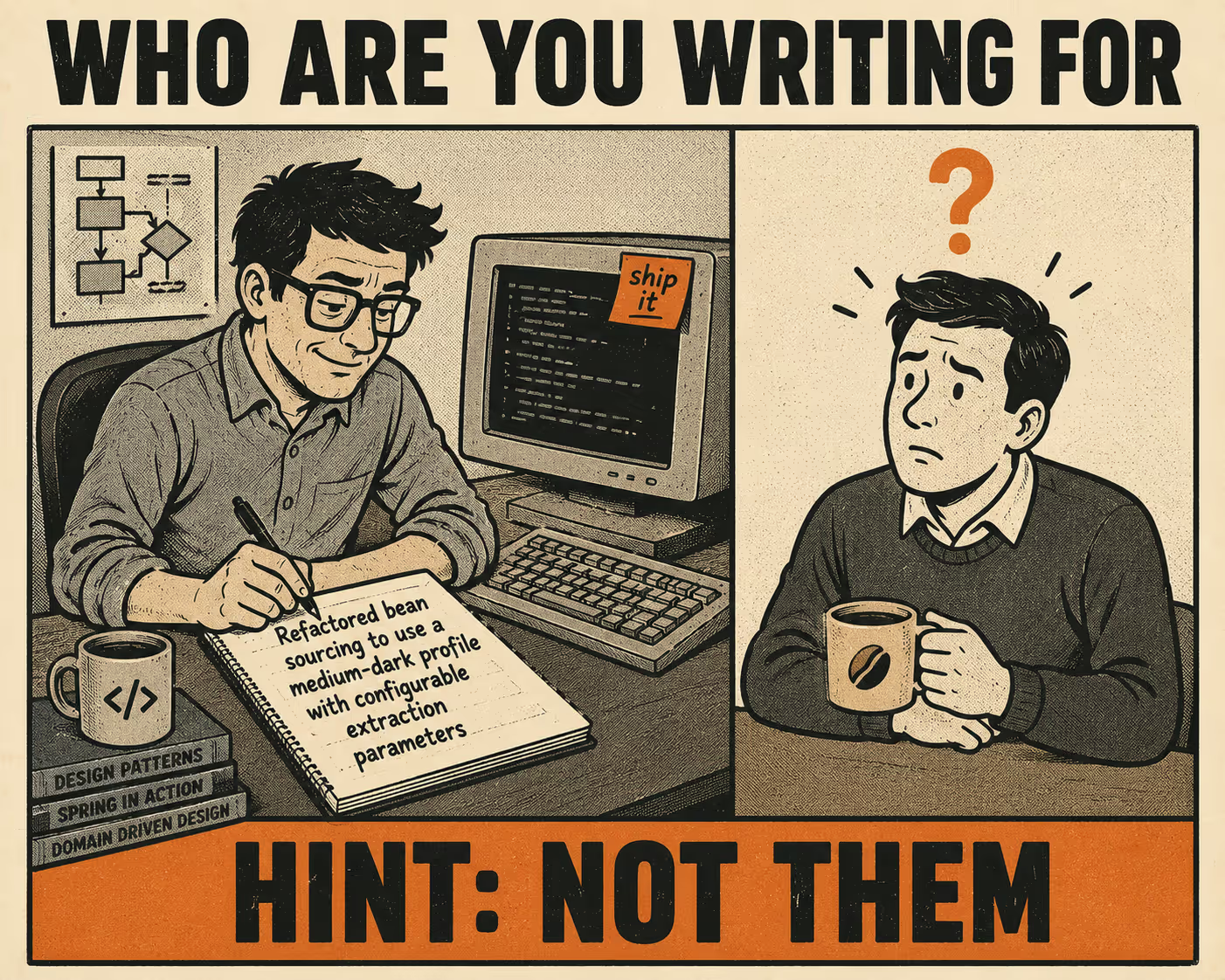
To write a changelog that customers actually read, you have to stop treating it like a commit log. It is a communication tool. Every entry must answer a single question: what does this let the user do that they couldn't before, or what friction does this remove?
The Curse of Knowledge
The problem with most release notes is not that engineers are bad writers. The problem is a cognitive bias called the curse of knowledge.
When you spend six weeks building a feature, you understand the architecture, the edge cases, and the technical debt you had to pay down to make it work. It is very hard to imagine what it is like to not know those things. So when it comes time to write the release note, you write about the hard part — the part you spent six weeks on.
But the user does not care about the hard part. They care about the outcome.
A 2021 empirical study of over 32,000 release notes found a significant discrepancy between how producers and users perceive them. Producers think they are writing for users. Users feel the notes are written for developers. This misalignment is why open rates for product update emails hover around 20–25% on a good day. If your updates read like internal Jira tickets, people stop reading them.
The Foundational Shift
The fix is a shift in framing. You have to write for your user's mental model, not your sprint board.
Consider this before-and-after of the same release.
The engineer-facing version:
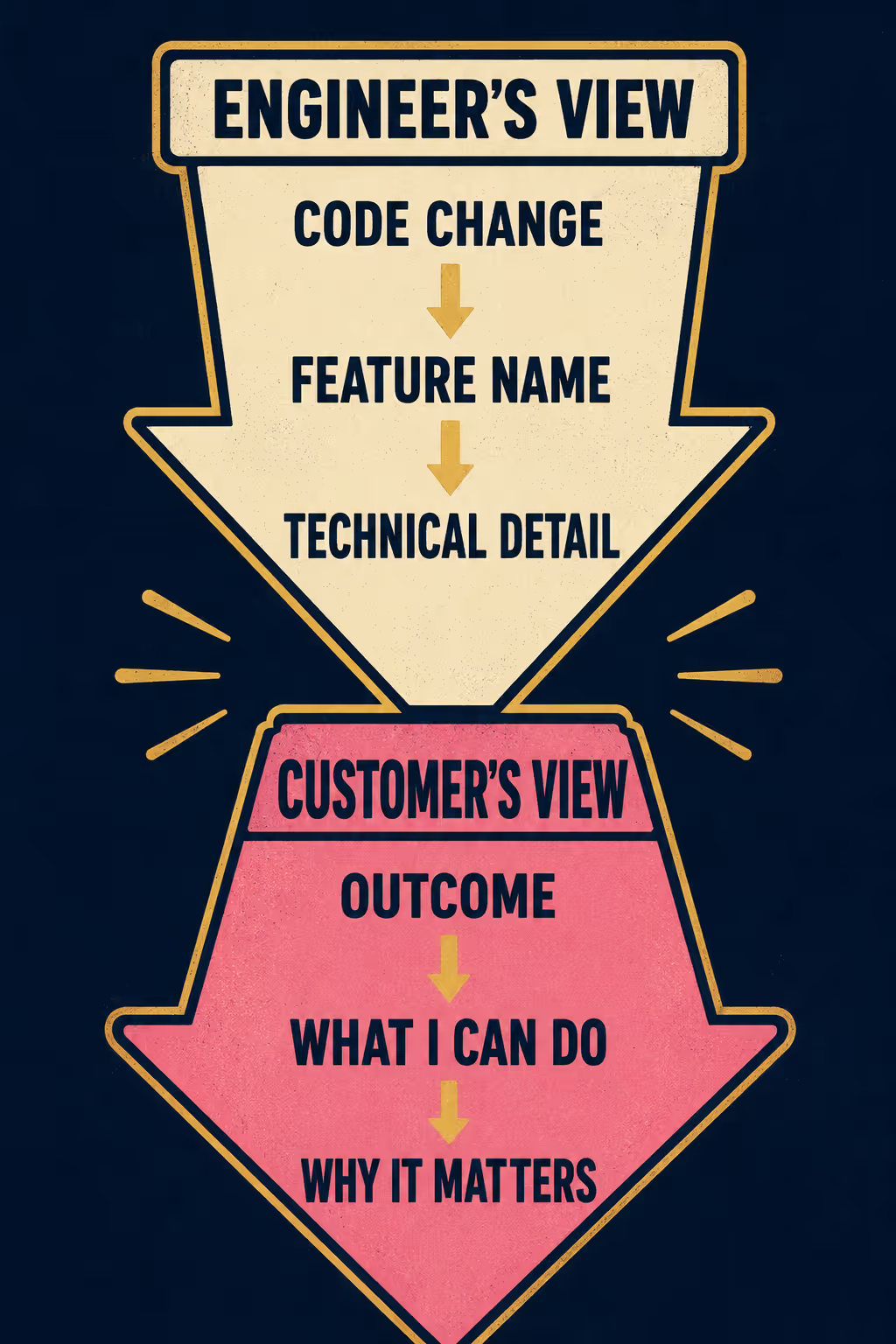
"Added support for OAuth 2.0 and refactored the authentication service to handle token refresh automatically."
The customer-facing version:
"You can now log in with your Google or Microsoft account. You will also stay logged in longer without having to re-enter your password."
The first version explains what changed in the code. The second explains what changed for the user. It leads with the impact, not the feature name. "You can now..." beats "Added support for..." every time.
If you look at Stripe's public changelog, almost every entry starts with "You can now..." It is a simple forcing function that guarantees the update is framed around user value. The pattern works because it makes the writer answer the question the user is actually asking: what can I do now that I couldn't do before?
Structure That Works
Once you have the framing right, you need a structure that makes the changelog scannable. People do not read release notes; they scan them to see if anything affects them.
The first structural decision is categorization. Not every change deserves the same treatment. Group updates by type: New Feature, Improvement, Bug Fix, Breaking Change. This lets a user who only cares about new features skip the bug fixes, and a user who was waiting for a specific fix jump straight to it. It also signals to the reader that you have thought about who is reading and what they need.
The second is ordering. Put the high-impact changes first. If you shipped a major new workflow and fixed a typo in the settings menu, do not list them alphabetically. Put the thing that changes the user's day at the top. Within a section, order by user impact, not by the sequence in which things were shipped.
The third is visuals. A screenshot or a short GIF of a new feature in action is worth more than three paragraphs of description. Visuals let users immediately understand what changed without reading a word. This is especially true for UI changes, where the before-and-after difference is instantly visible in an image but tedious to describe in text.
Finally, put the changelog where the users are. Relying on a single channel — like an email or a buried docs page — means most of your customers will never see your updates. An in-app widget surfaces updates when users are actively in the product and in the right context to try new features immediately.
The Workflow Problem
This all sounds straightforward in theory. In practice, it breaks down because of the workflow.
The person who understands the code does not always understand the customer's context. The person who understands the customer does not have time to rewrite every release note manually. After a long sprint, the last thing anyone wants to do is craft a polished update. So the release notes get rushed, or they get skipped, or they get written in eng-speak because it is faster.
You cannot just tell your team to "write better release notes." You need a system that extracts the technical reality from the engineering workflow and reframes it for the audience, without adding hours of manual work.
This is where the structure of the problem becomes clear. The translation from technical change to user value requires domain knowledge and communication skills that are rarely combined in the same person at the same moment. The engineer who shipped the work has the domain knowledge. The product manager or support lead has the communication instincts. But neither of them has the time to do both jobs on every release.
Doc Holiday addresses this directly. It generates changelog content from the engineering workflow — pulling from commits, pull requests, and product specs to create a baseline draft. A product or support lead then validates, reframes for impact, and publishes in the customer's language. The AI handles the extraction and drafting at scale; the human handles the one thing that actually requires judgment: knowing what the customer cares about.
Anyway. We can all write release notes that people actually want to read. We just have to remember who we are writing them for.



