How to Write Release Notes for a Developer Audience


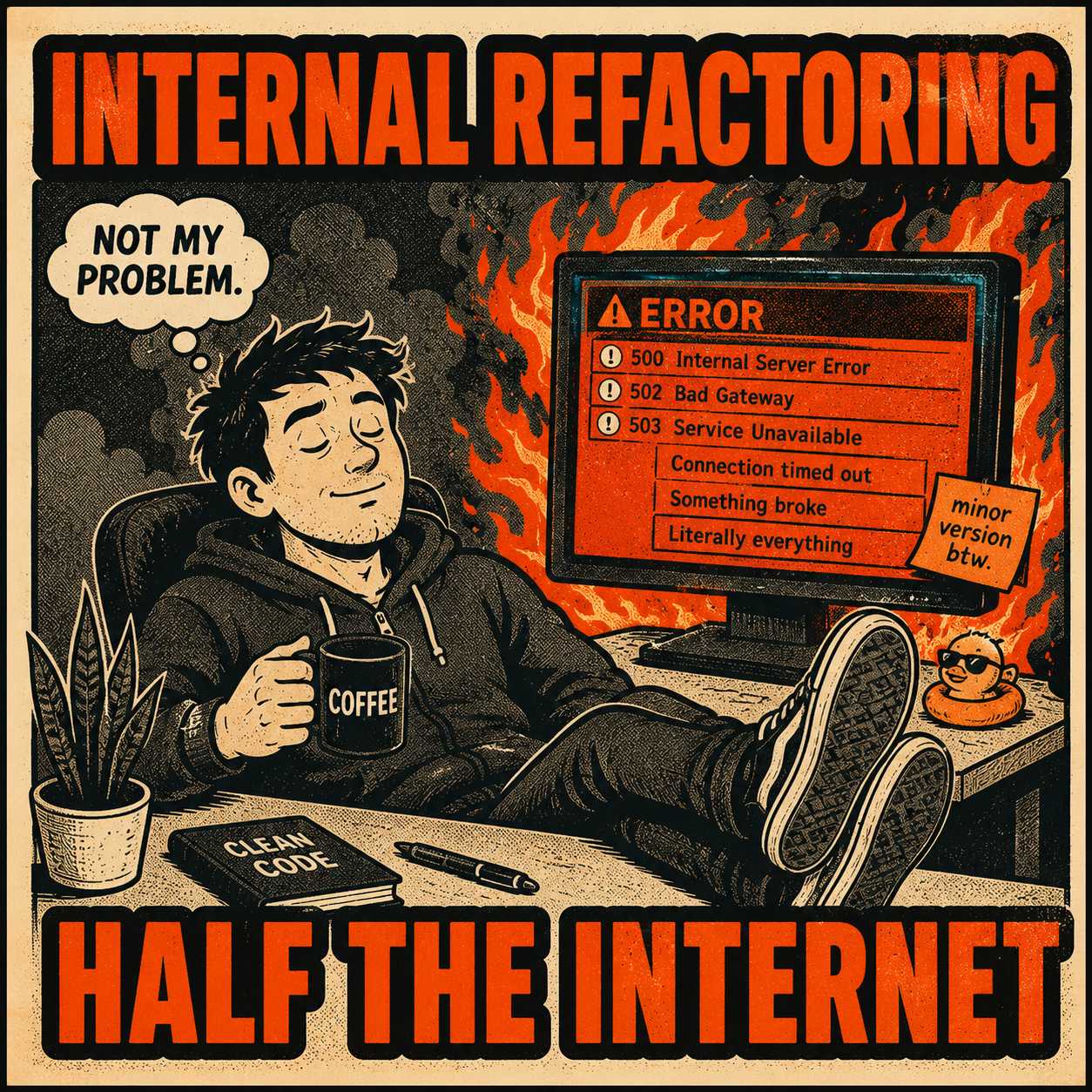
A few years ago, a prominent library shipped a minor version update that, according to the release notes, included "performance optimizations and internal refactoring." Developers dutifully ran their package managers, updated their dependencies, and went home for the weekend.
By Monday morning, half the internet was dealing with broken builds.
The "internal refactoring" had removed a deprecated authentication method that thousands of systems still relied on. The release notes were technically accurate. They were also entirely useless to the people who needed them most.
This is the reality of developer-facing release notes. They are not marketing announcements. They are not newsletters. They are the instruction manuals for maintaining production systems. When they fail, the consequences are measured in downtime and support tickets.
Yet, most organizations write release notes for their APIs, SDKs, and developer platforms as if they were announcing a new button color to end users. They bury breaking changes under paragraphs of promotional copy. They omit version compatibility details. They write for executives instead of the people actually implementing the code.
Developers are implementing your product, not just using it. They need technical precision, not persuasion. The stakes are high: a missed breaking change can break production systems, and a vague migration instruction can block an entire sprint.
The gap between how most teams write release notes and what developers actually need is not a mystery. It is a failure of audience discipline.
They Are Scanning For Danger
When a developer opens a changelog, they are usually trying to answer one of two questions: "Is it safe to upgrade?" or "Why did my code just break?"
They are not reading for pleasure.

This shapes everything about what good developer-facing release notes should contain. Breaking changes must be flagged clearly and early. Research on API evolution found that breaking changes are often motivated by the need to implement new features or improve the API, but they have a significant impact on client applications. Developers need more than just a description of what broke; they need migration examples. A breaking change without a migration path is just a trap waiting to be sprung.
Dependency and version compatibility changes are equally critical. If your SDK now requires a newer version of a language runtime, that is not an implementation detail. That is a hard blocker for adoption.
Behavioral changes that affect existing integrations matter, even if they are not strictly "breaking." If an API endpoint now returns results in a different order, or if a background job runs asynchronously instead of synchronously, developers need to know. These are the subtle shifts that cause intermittent bugs weeks after an update. Research on how developers use migration guides found that developers reference them not just during major version updates, but throughout subsequent maintenance tasks, suggesting that the guides serve as a resource throughout the entire migration process. The implication is that your release notes are not a one-time read; they are a reference document.
Code examples showing before and after states are invaluable for anything that changes an API surface. Links to updated documentation are necessary, not just feature descriptions. And deprecation timelines need specific sunset dates, so teams can plan their technical debt reduction.
There is a useful taxonomy here. The Keep a Changelog standard, widely adopted in open-source communities, distinguishes between Added, Changed, Deprecated, Removed, Fixed, and Security categories. For developer audiences, the most critical categories are Removed, Changed, and Deprecated, because those are the ones that break things. The others are nice to know. These three are need to know.
How to Structure For the Scanner
Most developers will not read your entire changelog. They will scan it. Your structure needs to support this behavior.
Put breaking changes at the top, always. This is the most critical information, and it should never be buried beneath new feature announcements. A study analyzing over 1,700 GitHub issues related to release notes found that release note producers are more likely to miss information than to include incorrect information, and that improper layout can bury important information and confuse users. The layout problem is not accidental; it is the result of writing release notes in the order things were built, rather than in the order readers need them.
Use semantic versioning as a communication tool. The version number itself should signal the urgency and risk of the update. As the Semantic Versioning specification dictates, major versions indicate incompatible API changes, minor versions add backward-compatible functionality, and patch versions are for backward-compatible bug fixes. When a minor version update contains a breaking change, it violates this contract and erodes trust. A large-scale study of the Go ecosystem found that 28.6% of non-major upgrades introduce breaking changes, meaning developers cannot rely on version numbers alone to assess risk. This makes explicit, prominent labeling in the release notes even more important.
Write headings that scan quickly. A heading that sounds like a person mid-thought is better than a generic label. "Breaking: Authentication flow now requires a token" is infinitely more useful than "Improved security."
Include diff-style code blocks for API changes. Visual comparisons are faster to parse than paragraphs of explanation.
Separate "what changed" from "why it changed." Developers skim for the former to understand the immediate impact, and dig into the latter only when they need context for a complex migration. Mixing the two produces a wall of text that serves neither purpose.
| What to include | Why it matters to developers |
|---|---|
| Breaking changes (top of document) | Immediate risk assessment; determines whether to upgrade now or wait |
| Migration examples with before/after code | Reduces time to resolve breaking changes; prevents guesswork |
| Dependency and version compatibility changes | Hard blockers for adoption; must be known before upgrading |
| Behavioral changes to existing integrations | Subtle changes cause intermittent bugs; need explicit documentation |
| Deprecation timelines with sunset dates | Enables proactive technical debt planning |
| Links to updated documentation | Reduces support burden; provides deeper context when needed |
The Heavy Lifting of Gathering Technical Facts
Writing release notes this way is difficult. It requires technical understanding, clear writing, and a deep empathy for the developer experience. Most teams cannot afford to write custom, handcrafted release notes for every audience segment and every minor release.
The common failure mode is mixing developer-facing and end-user release notes into one document, resulting in a compromise that serves nobody well. Breaking changes get written in passive voice. Migration instructions are omitted because "it's obvious." The notes are never updated after a hotfix or rollback.
This is an operational problem, not just a writing problem. Generating release notes manually from thousands of commits is a massive burden. Research indicates that producing high-quality release notes is a time-consuming challenge that many developers dread, with one study finding it can take an experienced developer up to eight hours to draft a single release note document. For large-scale projects, maintainers may need to gather information from thousands of commits to compile a single document.
The unlock is generating the base technical layer from the source itself. Pull requests, commit messages, API diffs, and ticket closures contain the raw material of what actually changed. A technical writer or product manager can then validate this raw material, add context, and ensure nothing critical is missing. But the heavy lifting of gathering the technical facts is automated.
This is not a new idea. The challenge has always been that automation tools either enforce rigid commit message conventions that teams resist, or they produce verbose outputs that are harder to read than the raw commit log. The gap is between raw automation and human-validated output.
This operational reality is where Doc Holiday fits in. It generates structured release notes directly from engineering workflows, pulling from commits and pull requests to build a validated technical draft. A skilled writer can then review this draft in a dashboard, refining it for the developer audience while ensuring architectural coherence. The output is faster and more accurate than manual drafting, and it scales across multiple releases without adding headcount.
The goal is not to remove the human from the process. The goal is to remove the part of the process that is purely mechanical, so the human can focus on the part that actually requires judgment: deciding what developers need to know, and saying it clearly.