How to Write a Product Update Email After a Release


Every time you ship, you have a choice. You can let users discover the changes themselves, which they will do by submitting support tickets and posting confused questions to your help forum. Or you can tell them what happened.
The product update email is not a marketing exercise. It is a support deflection tool, a trust signal, and a re-engagement mechanism all at once. A good one reduces the volume of "what changed?" tickets, builds user confidence in your roadmap, and gives disengaged customers a reason to log back in. A bad one gets ignored, or worse, creates more confusion than it resolves.
Here is how to write one that actually works.
The Anatomy of a Product Update Email
Start with the subject line. The subject line is not the place for cleverness. An analysis of 14 million email pitches found that clear, direct subject lines outperform wordplay on open rates every time. Users are scanning their inboxes for relevance. "Product Update: March 2026" tells them nothing. "New: Export to PDF, Faster Sync, and Bug Fixes" tells them exactly what is inside.
The pattern that works: lead with what is new, state it plainly, and let the content earn the click. Words like "launch," "new," and "now available" signal timeliness, which is one of the strongest predictors of open rates.
State what changed in the first sentence. The opening paragraph is not the place for a preamble about how hard the team has been working. Users do not care. They care about what the change means for them. If you shipped a new feature, say so in sentence one. If you fixed a bug that was causing pain, lead with that.
This is not just good writing advice. It is a structural necessity. Eye-tracking research shows that users read online content in an F-shaped pattern, concentrating attention on the first line, then scanning down the left side, then reading across when something catches their eye. If the most important information is buried in paragraph three, most users will never reach it.
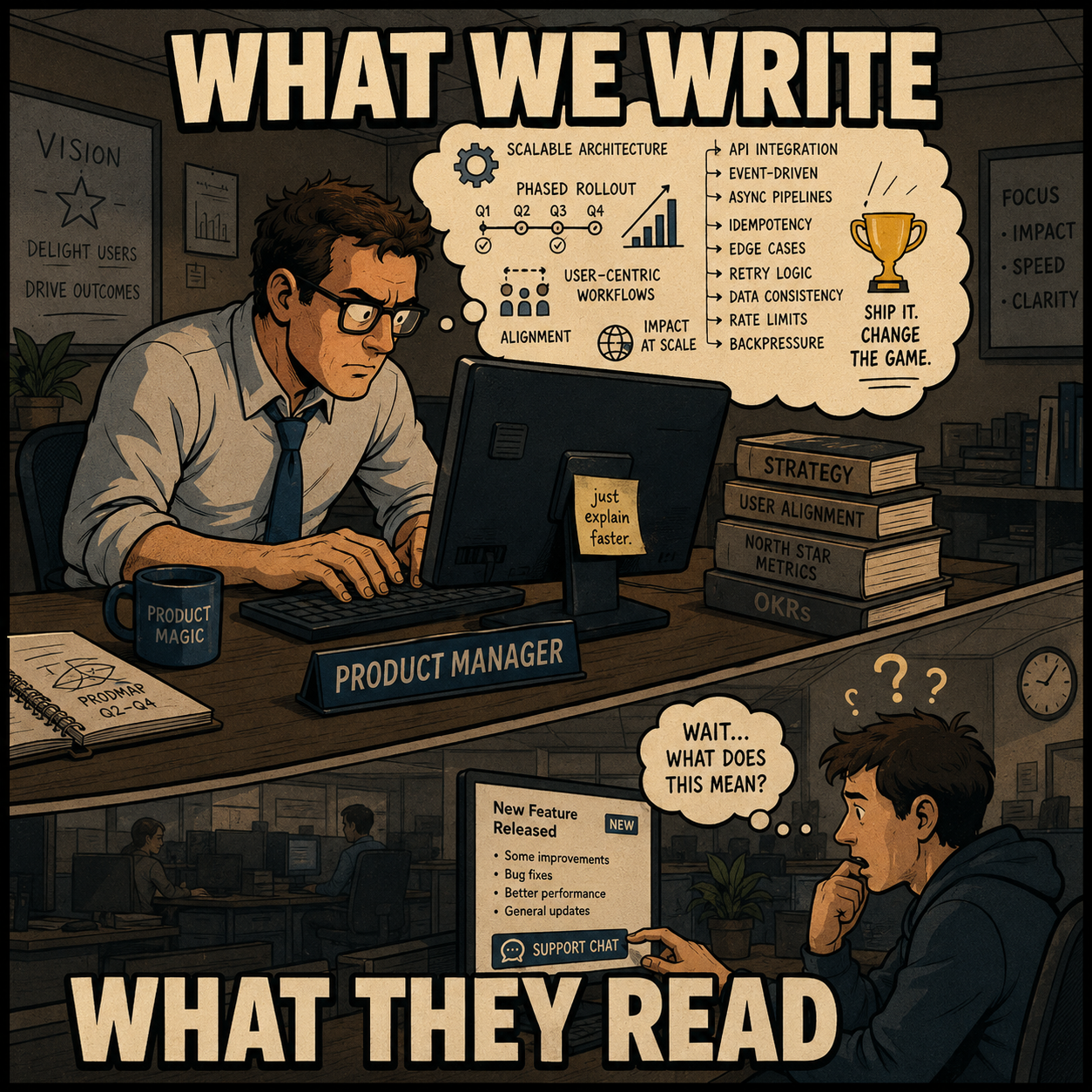
Put benefits before features. The body of the email should explain what changed, but more importantly, it should explain what that means for the user. "Migrated to a new database architecture" is a feature. "Reports now load 5x faster" is a benefit. The distinction matters because users are not reading your release notes to understand your technical decisions. They are reading to know whether they need to do anything differently and whether the product is getting better.
A useful structure for each change you describe: what changed, why it matters, what the user should do next (if anything). Keep it short. If a change requires more than two sentences to explain, it probably deserves its own email.
Format for scannability. Most users will not read every word. Use short paragraphs, descriptive headings for each update, and bold text for key terms or outcomes. Avoid walls of text. The goal is to let a user scan the email in 30 seconds and understand the three most important things that changed.
Be deliberate about the call to action. Not every product update needs one. If the update is a bug fix or a performance improvement, the email is informational. No action required. But if the update introduces a feature that requires user setup, or unlocks something the user has to opt into, the call to action is critical. Make it obvious: "Enable the new integration here." One link. One ask.
The mistake most teams make is including a call to action in every email regardless of whether the update warrants it. This trains users to ignore the links.
Timing and Segmentation
Should every user get the same email? No.
Segmented emails generate a 15 percent higher read rate and approximately a 63 percent higher click-through rate compared to blast sends. If you ship a feature that only applies to enterprise customers, emailing the free tier about it trains them to ignore your updates. If you ship a workflow change that only affects users of a specific integration, segment accordingly.
The minimum viable segmentation for most SaaS products: separate your power users from your casual users, and separate users who have already adopted the relevant feature from those who have not. The email to a user who has never touched your reporting module should be different from the email to someone who runs reports daily.
On timing: analysis of over two million email campaigns found that open rates peak between 8 AM and 11 AM on weekdays, with Tuesday and Friday generating the highest click rates. For product updates specifically, sending on the same day as the release (or within 24 hours) is generally better than waiting. Users who encounter a change before receiving an explanation are more likely to submit a support ticket.
The Workflow Problem
Here is the part that does not get talked about enough.
Most teams do not have a standardized process for turning engineering output into user-facing updates. Product managers are writing these emails from scratch every time, often under time pressure, with incomplete information about what actually shipped.
An empirical study of 32,425 release notes across 1,000 GitHub projects found that producing release notes is consistently described by practitioners as challenging and time-consuming, with participants reporting that creating a single release note takes between four and eight hours. The same study found that teams using agile development methods struggle particularly with this, because the information needed to write good release notes is scattered across unstructured artifacts produced during development.
The information degradation problem is real. Engineers write commit messages. Product managers write release notes. Marketing writes the email. At each handoff, context is lost and accuracy erodes.

The Conventional Commits specification exists precisely to address the upstream end of this problem. It is a lightweight convention for structuring commit messages in a way that makes them machine-readable and useful for automated changelog generation. A commit tagged feat: signals a new feature; fix: signals a bug fix; BREAKING CHANGE: signals something that requires user attention. With structured commits, the raw material for a release email is already organized.
But even with structured commits, someone still has to translate "fix: array parsing issue when multiple spaces were contained in string" into something a user can understand. This is where the gap between engineering output and user-facing communication lives.
Closing the Gap
The best release emails are generated from the same source of truth the engineers are already maintaining. Research on automated release note generation has shown that LLM-powered approaches can produce high-quality, contextually personalized release notes directly from code, commit messages, and pull request details, outperforming manual approaches on completeness and organization. Earlier work on the ARENA system demonstrated that automated extraction from commits could identify the subset of changes worth surfacing to users, reducing the manual curation burden significantly.
The implication is straightforward. Teams that build a repeatable process around their engineering artifacts, rather than starting from scratch with each release, send faster and more consistent communications. The first draft is already done. The product manager's job becomes review and tailoring, not authorship under pressure.
This is what Doc Holiday does: it generates release notes and product updates directly from the engineering work, with built-in structure for tone, audience segmentation, and formatting. The output still benefits from a product manager reviewing and adjusting it. But the blank page problem is solved, and the format is repeatable across every release.



