How to Write API Release Notes Developers Will Actually Read


If you ran a mid-sized coffee chain, and your espresso machine vendor suddenly changed the shape of the portafilter without telling you, the morning rush would be a disaster. You wouldn't care that the new portafilter was mathematically optimal or made from space-age alloys. You would care that your baristas couldn't make coffee, the line was out the door, and the vendor's update email only said "Performance enhancements to extraction module."
We do this to developers all the time.
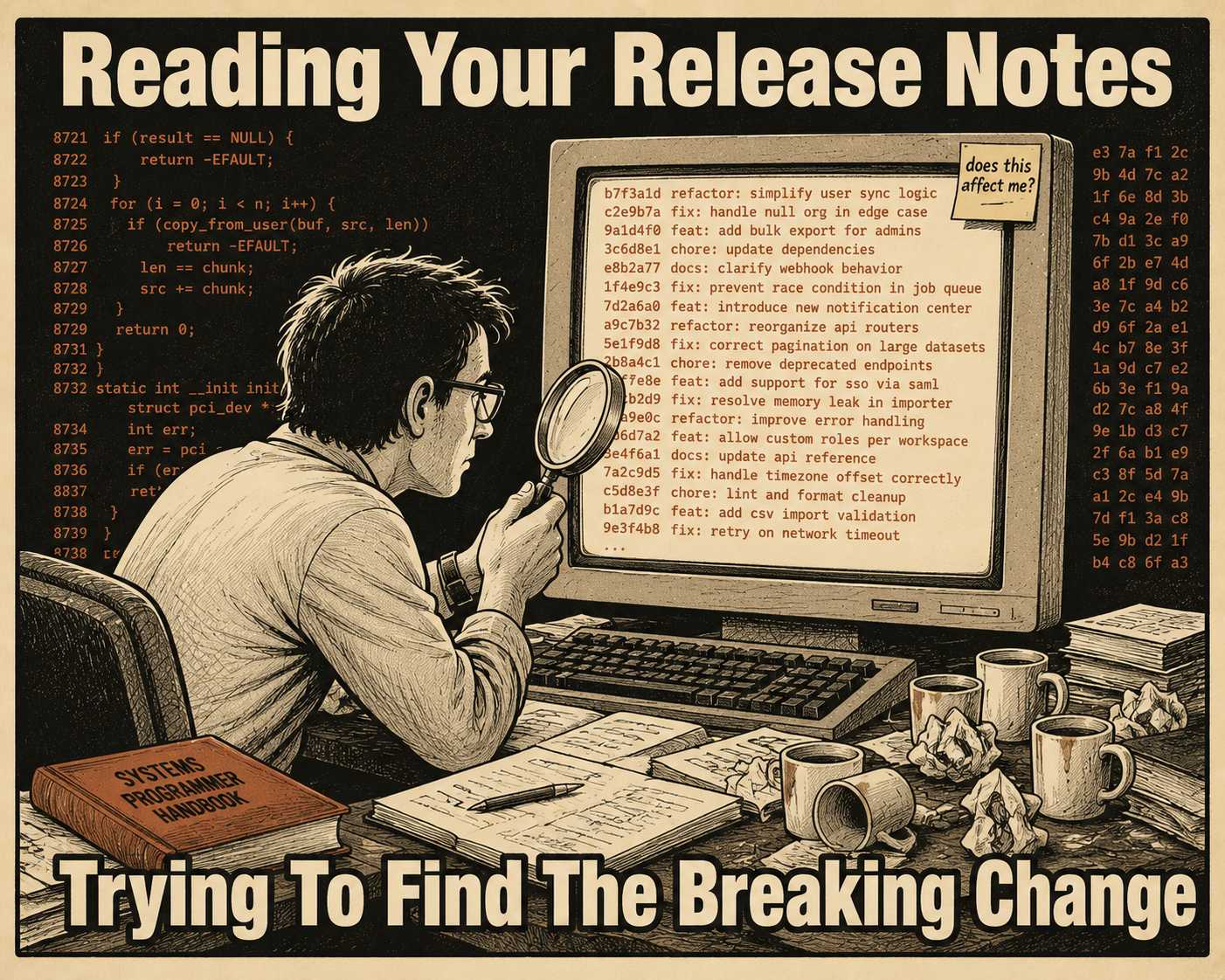
We ship an API update, break their integration, and hand them a release note that reads like a Git commit history. The developer opens it, scans for anything that might affect them, finds nothing useful, and closes it. Then their build breaks on Monday morning.
Most API release notes fail because teams treat them like internal changelogs with a coat of paint. API consumers need different information than your internal tracking tools contain. They need to know what breaks, what's new, what's deprecated, and how to migrate — in that order. This is a step-by-step guide to structuring release notes that serve the developer reading them, not the PM who wrote them.
The Problem With the Internal Changelog
The instinct is understandable. You just shipped a massive refactor of your database layer. It took three months, it was incredibly difficult, and you want to tell the world about it.
The developer consuming your API does not care.
To them, your API is a black box that takes a request and returns a response. If the request and response haven't changed, the API hasn't changed. When we dump our internal commit messages into a public release note, we force the consumer to play detective. They have to read through "Refactored auth middleware" and "Updated Redis connection pooling" to figure out if any of it affects their application.
This creates a cycle that's hard to escape. Developers learn that your release notes are mostly noise, so they stop reading them. When you finally do introduce a breaking change, they miss it, their integration breaks, and they blame you for not communicating clearly. Semantic versioning is supposed to solve this by signaling breaking changes with a major version bump, but in practice, inconsistent interpretations of what constitutes a "breaking change" across different APIs cause consumers to be wary of even reasonable major revision upgrades — and publishers respond by slipping breaking changes into minor versions to avoid the optics of a major bump, which erodes trust further. Publishers of popular APIs often end up supporting major versions that are three to four years old just to allow stragglers to catch up.
The version number alone is not the communication. The release note is.
A Structure That Works
Good release notes are an exercise in empathy. You have to look at the change from the perspective of the person whose code is about to break.
Here is a repeatable structure you can use for every release.
Start with breaking changes, always. If you removed a field, changed a data type, or altered a required parameter, that is the headline. Put it at the very top. If there are no breaking changes, say so explicitly: "This release contains no breaking changes." Do not make them guess. The explicit "no breaking changes" line is not filler — it is the signal that tells a developer they can update safely without reading the rest.
Separate the user-facing from the internal. Group your updates logically. Put the things the user can see and interact with (new endpoints, new parameters, changed behaviors) in one section. Put the internal improvements (performance, security, infrastructure) in another. Most readers don't care that you refactored your database layer. They care that the /users endpoint now returns a last_login field.
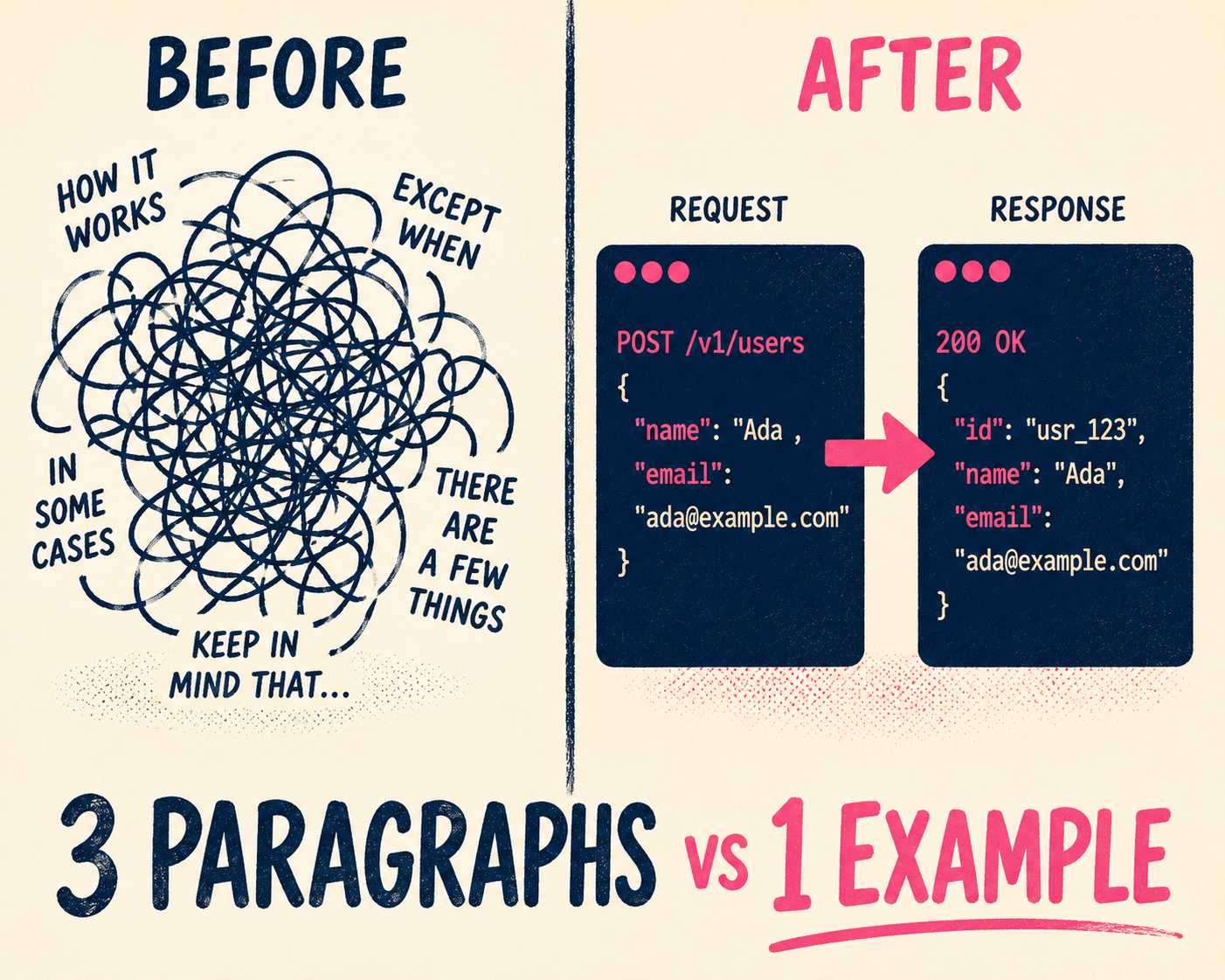
Include the minimum viable example. For every change, show what the call looked like before, what it looks like now, and what happens if they don't update. Research on API documentation usability shows that developers use code examples as an important starting point for solution development, extending and modifying them to fit their needs. A before/after code snippet is worth three paragraphs of prose.
Make deprecations actionable. A deprecation warning needs a timeline and a migration path. Telling someone an endpoint is going away is useless if you don't tell them when it's happening and what they should use instead. Stripe's approach to API versioning is a useful model here: clear explanations for major releases, concise summaries of impact, and step-by-step upgrade guidance. The Sunset HTTP header (RFC 8594) is also worth implementing — it surfaces the deprecation warning in the response itself, which reaches developers who never check your changelog.
Link to the docs. Every changed endpoint should link directly to the updated reference documentation. The release note is the announcement; the documentation is the manual.
Match your API versioning. If your API sends back a version number in the header or the URL, that is the version number in your release notes. Do not use internal sprint names or marketing monikers.
Deciding What Makes the Cut
Not every deploy needs a release note. Small teams ship constantly, and writing careful prose for every minor bug fix is a waste of time.
A useful filter: before adding a change to the release notes, ask whether it changes the API contract, requires the developer to update their code, or affects performance in a way they will notice. If the answer to all three is no, it probably doesn't need to be there. This isn't about hiding changes — it's about respecting the reader's attention. Every irrelevant line you add is one more reason they learn to skim.
| Change type | Include in release notes? |
|---|---|
| Removed or renamed field/endpoint | Always |
| Changed parameter type or behavior | Always |
| New optional field or endpoint | Yes |
| Deprecated endpoint with migration path | Yes |
| Performance improvement (user-visible) | Yes |
| Internal refactor, no behavior change | No |
| Infrastructure upgrade, no behavior change | No |
| Bug fix with no API contract change | Judgment call |
The Before and After
To see the difference, here is a bad release note and a good one for the same API update.
The bad version:
v2.4.1
- Updated user object
- Fixed bug in pagination
- Refactored database queries for speed
- Removed legacy auth endpoint
This buries a breaking change at the bottom, gives no migration path, and forces the reader to guess what "updated user object" means.
The good version:
v2.4.1 — No breaking changes
Deprecated
/v1/auth/legacyis deprecated and will be removed on October 1st. Migrate to/v2/auth/token. See the migration guide for before/after examples.
New
The User object now includes alast_logintimestamp (ISO 8601). See docs.
Fixed
Pagination now correctly returns next_cursor on the final page of results.Improved
Average response time on /users reduced by ~15% due to query optimization.The good version takes about the same amount of time to write. The difference is structure and intent. It answers the developer's first question ("does this break anything?") in the headline, and every subsequent section answers a specific follow-up question.
The Operational Reality
Writing good release notes is hard. Maintaining that quality at scale, across multiple teams and frequent deploys, is even harder.
This is where the process usually breaks down. The engineering team is too busy building the next feature to write the release notes for the last one. The task falls to a product manager who wasn't in the code, or it doesn't happen at all. The result is either silence or a changelog that reads like a commit log — which brings us back to the beginning.
Doc Holiday is built for exactly this situation. It generates structured release notes directly from your engineering workflow — commit messages, PR descriptions, issue tracking — and formats them according to the structure described above. Your best engineer reviews and validates what the system generates in a dashboard, flagging edge cases and ensuring accuracy. The system does the work of extracting, categorizing, and formatting. The human does the work of deciding what matters and how to explain it.
That's the model that scales: not more writers, but better leverage on the writers you have.



