How to Write a Minimum Viable Release Note


It is 4:30 p.m. on a Thursday. The release candidate is locked, the tests have passed, and the team is already mentally checked out for the weekend. Then someone asks for the release notes.
The response is almost always the same. Someone runs git log --oneline, or exports the closed tickets from the sprint board, and pastes the output into a Confluence page. The requirement is satisfied. The document is published.
And nobody reads it.
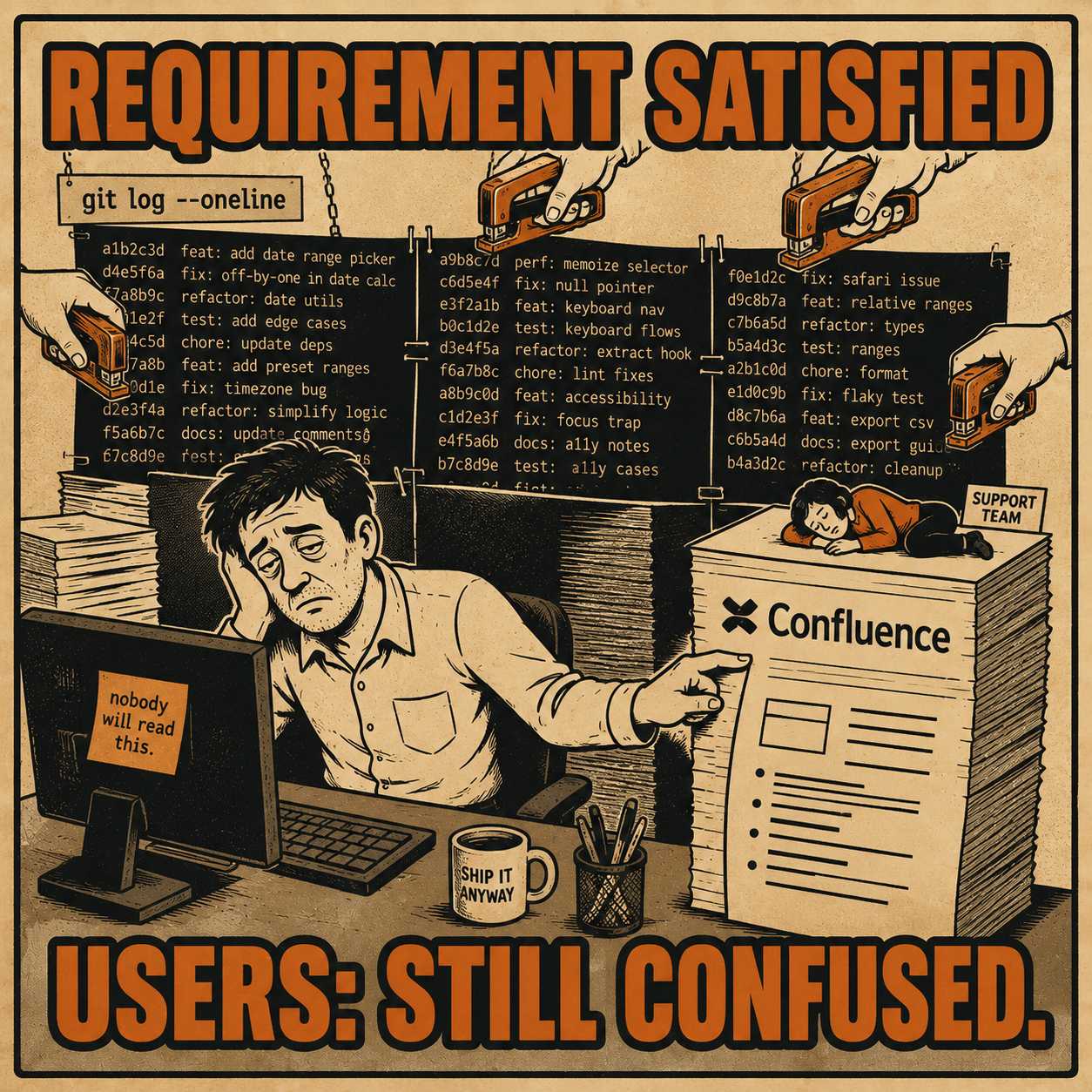
The problem is audience confusion. Release notes are expected to serve end users, support teams, internal stakeholders, and engineers simultaneously, and the instinct is to include something for everyone. That instinct produces a document that is technically comprehensive and practically useless. Research analyzing over 32,000 release notes on GitHub found that the single largest category of production challenges is deciding what to include and how to present it. The content problem is the hard one.
A minimum viable release note is the smallest set of information that allows the primary reader to understand what changed, why it matters to them, and what they need to do. Everything else is a choice about whether to include more, and the default answer should be no.
Anyway. Here is how to actually write one.
The Audience You Are Not Writing For
The first decision is not what to write. It is who to write for.
Most release notes list only a fraction of all addressed issues in a given release. That is not negligence. That is editorial judgment. The teams that produce useful release notes are making a call about which changes matter to the reader, and they are leaving the rest out.
The reader of a user-facing release note is the user. Support teams have internal wikis and escalation channels. Engineers have the commit log. Stakeholders have the roadmap. The release note is customer communication, and it should be written as if the only person reading it is someone who just wants to know whether this update will change anything about their day.
When you write for all of these audiences at once, you get a document where a minor UI tweak sits next to a fundamental database migration, and nobody can tell which one requires their attention. A comprehensive analysis of release note challenges on GitHub found that inadequate presentation buries important information and leads to end-user confusion — and that the fix is hierarchical structure and standardized format, not more content.
Pick one primary audience. Write for them. Link everyone else to what they actually need.
What the Note Actually Needs to Contain
The minimum viable release note has three required elements, and one optional one.
The first is a single sentence describing what changed, written in user-facing language. Not what changed in the codebase — what changed in the product experience. The commit message fix(export): resolve timeout on large datasets is an engineering record. The release note sentence is: "Exports for large datasets no longer time out." Simon Willison's widely-cited guide to writing better release notes makes this point directly: the job is to describe the change from the user's perspective, not the developer's.
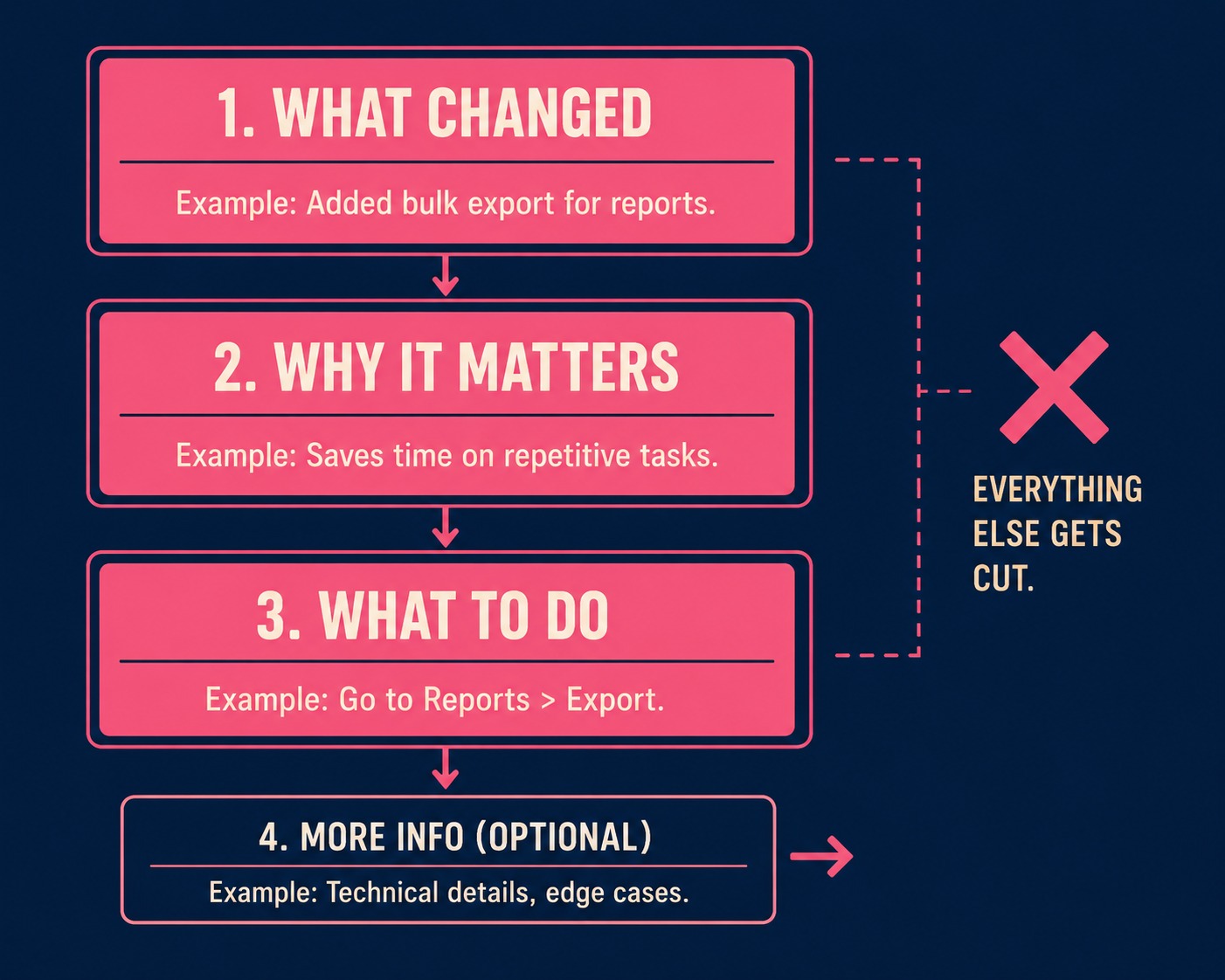
The second required element is one sentence explaining why it matters, or what problem it solves. This is the sentence most teams skip. "You can now export datasets with more than 50,000 rows without the process failing" is more useful than "Fixed export timeout bug." The first sentence tells the user whether this affects them. The second makes them go look it up.
The third required element is the action line: what the user needs to do, if anything. If there are migration steps, list them. If they need to enable a feature flag, say so. If the change is automatic and requires nothing, write "No action required." explicitly. Users respond more positively to release notes that are specific and actionable than to generic descriptions of improvements. The action line is what makes a note specific.
The optional fourth element is a link to deeper documentation, for changes complex enough to warrant it. The release note is the map. The documentation is the territory.
That is the structure. Four elements, two of which are one sentence each. Everything else is a deletion candidate.
What to Cut Without Apologizing
Bloat creeps in because it feels safer to include everything. It just ensures nobody reads any of it.
Internal project names belong in internal communications. "Project Falcon is now live" means nothing to a customer who just wants to know if the dashboard loads faster. Ticket numbers (JIRA-4829) are tracking mechanisms, not customer communication. Detailed technical architecture explanations belong in the engineering blog. If the database indexing changed and the app got faster, tell the user the app got faster.
The most consequential thing to cut is defensive over-explanation. Release notes do not need to justify decisions. If users want the rationale, they will ask, or you can link to a product strategy post.
The notes that are most useful share a common trait: they are written for the reader who needs to act, not for the record. The record is what the commit log is for.
One thing should never be cut: breaking changes. Research on release note challenges found that breaking changes are the most commonly omitted content in release notes, and a missed breaking change is a support ticket, a customer escalation, and a trust problem. If something breaks on upgrade, say so prominently, before anything else.
The Objections That Will Come Up
When you start cutting, people will push back.
"What if support needs more detail?" Give them a separate internal changelog, or link them to the engineering documentation. Release notes are not a substitute for a support wiki.
"What if we need to cover compliance?" Legal disclaimers belong in the Terms of Service. They do not belong in a feature announcement.
"What if a power user wants the full technical breakdown?" Link to it. The release note points them there; it does not replace it.
The harder objection is about cadence. Teams that ship frequently worry that frequent release notes will overwhelm users. The answer is batching, not silence. Teams with continuous deployment should batch release notes to cover the most important changes on a less frequent cadence. Short, focused updates train users to read them. Long status reports train users to ignore them.
Who Should Actually Write These
The person who should write a release note is the person closest to the user impact. Often that is a product manager or a support lead. It is rarely the engineer who built the feature, because the engineer is too close to how the system works under the hood to easily describe what the user cares about.
The writer needs to understand what the reader needs to accomplish, not how the system achieves it. The engineer can tell you what changed in the code. The product manager can tell you what changed for the user. Those are different people, and the second one should be writing the note.
A communication works when its intended readers can easily find what they need, understand it, and act on it. That is a reasonable definition of a good release note.
When the Structure Becomes a System
Once you have defined what your minimum viable release note contains — what changed, why it matters, what to do — that structure becomes repeatable. And once it is repeatable, it becomes automatable.
The raw material is already in your engineering workflow. Research on release note production found that commits account for only 19 percent of release note content, with the rest coming from issues and pull requests. The data is there. The problem is extraction, translation, and judgment about what belongs in the user-facing note.
The technical writer's job shifts when the structure is defined. They stop drafting every note from scratch. Instead, they validate that the generated output matches the definition of "minimum viable," edit where human judgment is required, and ensure breaking changes are flagged. The editorial layer does not disappear. It scales.
Doc Holiday generates these structured drafts directly from commits, pull requests, and issue trackers, then gives the writer a review interface to validate the output, flag edge cases, and approve the final note. The extraction and first-pass categorization happen automatically. The judgment about what the user actually needs to know stays with the person who knows the user.