How to Sync Azure DevOps Work Items to Your Documentation System


You finish the sprint. The code is merged, the tests pass, and the pipeline is green. Now you just need to tell everyone what you actually shipped. So you open Azure DevOps, pull up the iteration query, and start copying and pasting titles, descriptions, and acceptance criteria into Confluence. Or Notion. Or a markdown file in your docs repository.
It takes an hour. It is boring. And by next week, when someone quietly updates a user story to reflect a late-breaking scope change, your documentation is already wrong.
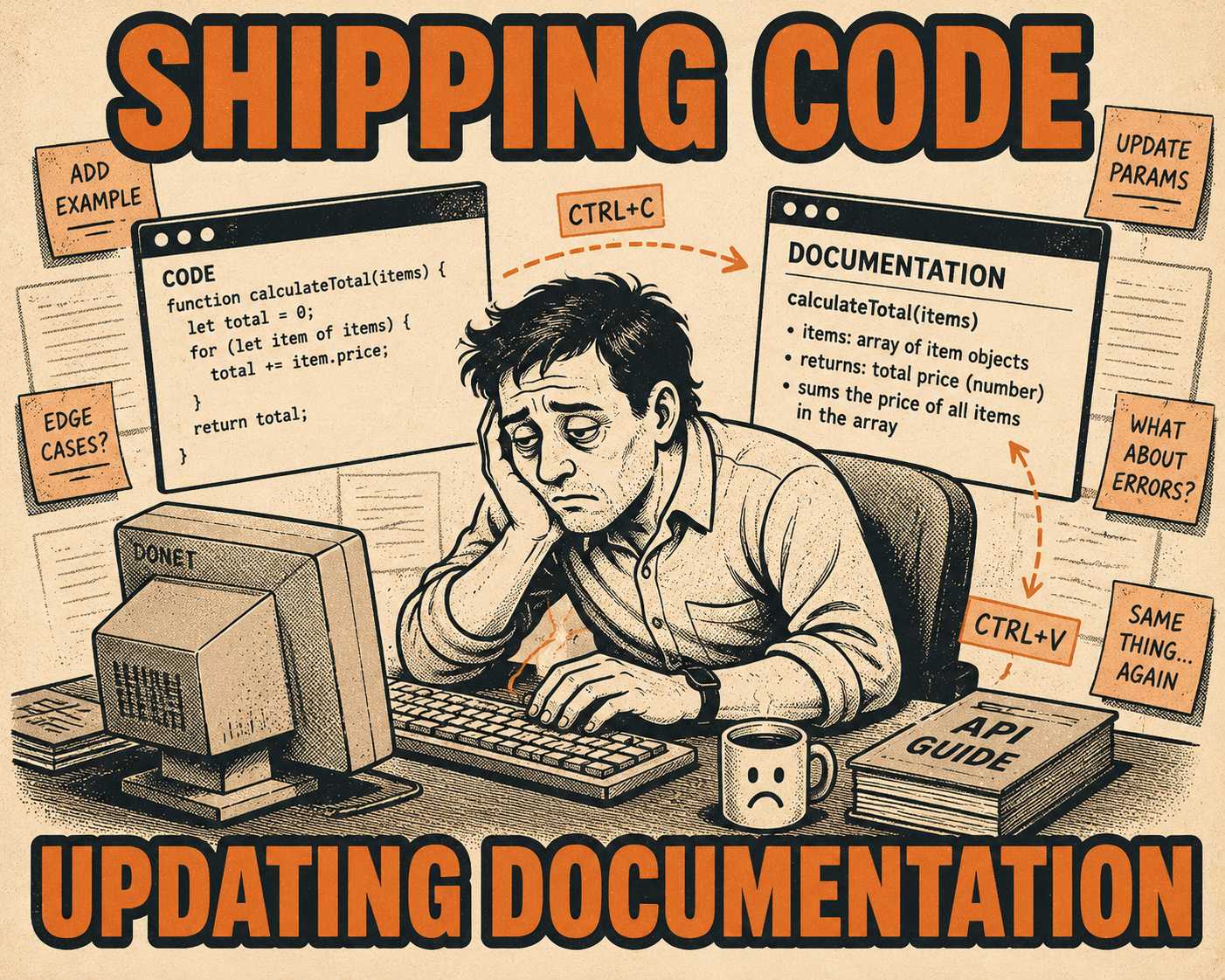
Documentation drift is not a character flaw. It is a structural inevitability when the system of record for the work (the issue tracker) is disconnected from the system of record for the user (the documentation). Research shows that developers spend more time on operational and background tasks than they do actually writing code, and manually transcribing work item metadata is pure operational toil.
The goal is to automate the flow so documentation reflects the actual state of work without human transcription. You want the rich context of a work item—the "why" behind the code—to flow directly into release notes, API references, or internal knowledge bases.
Here is how engineering teams actually do it, moving from out-of-the-box solutions to custom pipelines.
Native Azure DevOps Capabilities
If you just need to get work item data out of Azure DevOps, Microsoft provides a few native mechanisms. They do not build your documentation site for you, but they are the foundational plumbing.
The most direct route is the Azure DevOps Services REST API. You can query work items, extract custom fields, and pull state changes. The API uses a batch update model, meaning you can retrieve multiple items efficiently.
For example, if you want to pull all completed user stories for a specific sprint, you do not need to know their IDs upfront. You use the Work Item Query Language (WIQL). WIQL is essentially SQL for Azure DevOps. You can write a query to find all work items where the state is 'Closed' and the iteration path matches your current sprint. The Query By Wiql REST API returns the IDs, and then you use the batch endpoint to get the actual payload: titles, descriptions, and acceptance criteria.
The limitation here is that the API just gives you JSON. It does not format it into readable release notes or push it to a wiki. It is raw material.
Third-Party Integration Platforms
If you do not want to write the glue code yourself, you use an integration platform. Tools like Zapier, Make, or Power Automate sit between Azure DevOps and your documentation system.
Power Automate has a native Azure DevOps connector. You can set up a flow that triggers when a work item is updated to 'Done'. The flow takes the work item title and description and creates a new page in Confluence or a new row in a Notion database.
Zapier offers similar functionality, with pre-built integrations for Notion and Confluence. You map the fields visually: the Azure DevOps 'Title' goes to the Notion 'Name' property, the 'Description' goes to the page body.
This approach is fast to set up. You can have a working sync in twenty minutes without writing code. But it has tradeoffs at scale.
First, pricing limits. These platforms charge per task or execution. If you have a large engineering organization closing hundreds of work items a week, the costs compound. Second, complexity. As your workflows get more intricate—maybe you only want to sync items tagged 'customer-facing', or you need to format the description markdown before pushing it to Confluence—the visual builders become difficult to maintain and debug.
Custom Pipeline Solutions
For teams that treat documentation as code, the most robust approach is building a custom sync script and running it in your CI/CD pipeline.
This is where you get total control. You write a script using the Azure DevOps Python API or the Node.js SDK. The script authenticates, runs a WIQL query for the relevant work items, parses the JSON, and transforms it into markdown.
A conceptual outline of the script looks like this:
- Authenticate using a Personal Access Token or, preferably, Microsoft Entra ID.
- Query Azure DevOps for work items completed in the current release tag.
- Extract the 'Title', 'Description', and any custom fields like 'Release Note Context'.
- Format the extracted data into a markdown file.
- Commit the markdown file to your documentation repository.
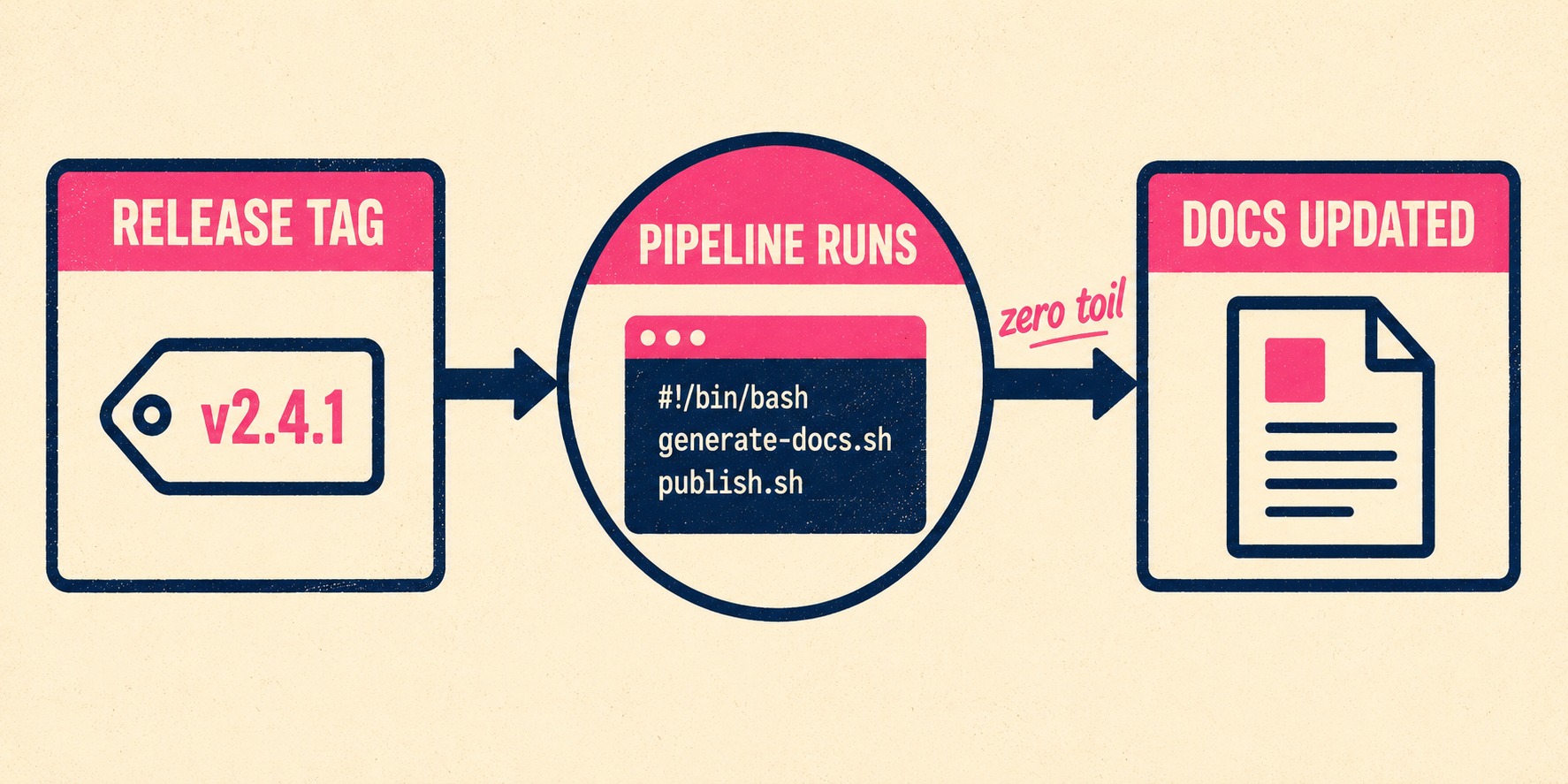
You then run this script as a job in your Azure Pipeline. Every time you tag a new release, the pipeline triggers, the script runs, and a new release notes file is automatically generated and pushed to your docs site.
This approach aligns with continuous documentation principles. The documentation is generated deterministically from the state of the work items, at the exact moment the code is deployed. It requires upfront engineering investment, but it scales infinitely and costs nothing per execution.
The Validation Layer
Automating the extraction of work item data solves the transcription problem. But it introduces a new one: the quality of the source material.
Work item descriptions are often messy. They contain internal Jira links, half-finished thoughts, and technical implementation details that customers do not care about. If you automatically pipe that raw text into your public documentation, you have automated the publication of bad writing.
This is where the system needs governance. You need a way to take the raw, automated output and refine it before it goes live.
Doc Holiday is designed for this exact workflow. It generates documentation directly from engineering systems, including work item metadata and commit history. But instead of just dumping raw data into a wiki, it provides a structured dashboard where senior writers review the AI-generated first drafts. Edge cases are flagged, inaccuracies are corrected, and the patterns are fed back into the system to improve future generation. It gives teams the automation of a custom pipeline with the quality control required to actually scale it.



