How to Prioritize Documentation Requests When Everything is Urgent


It is Tuesday morning, and you are staring at a Jira board that contains 142 open tickets.
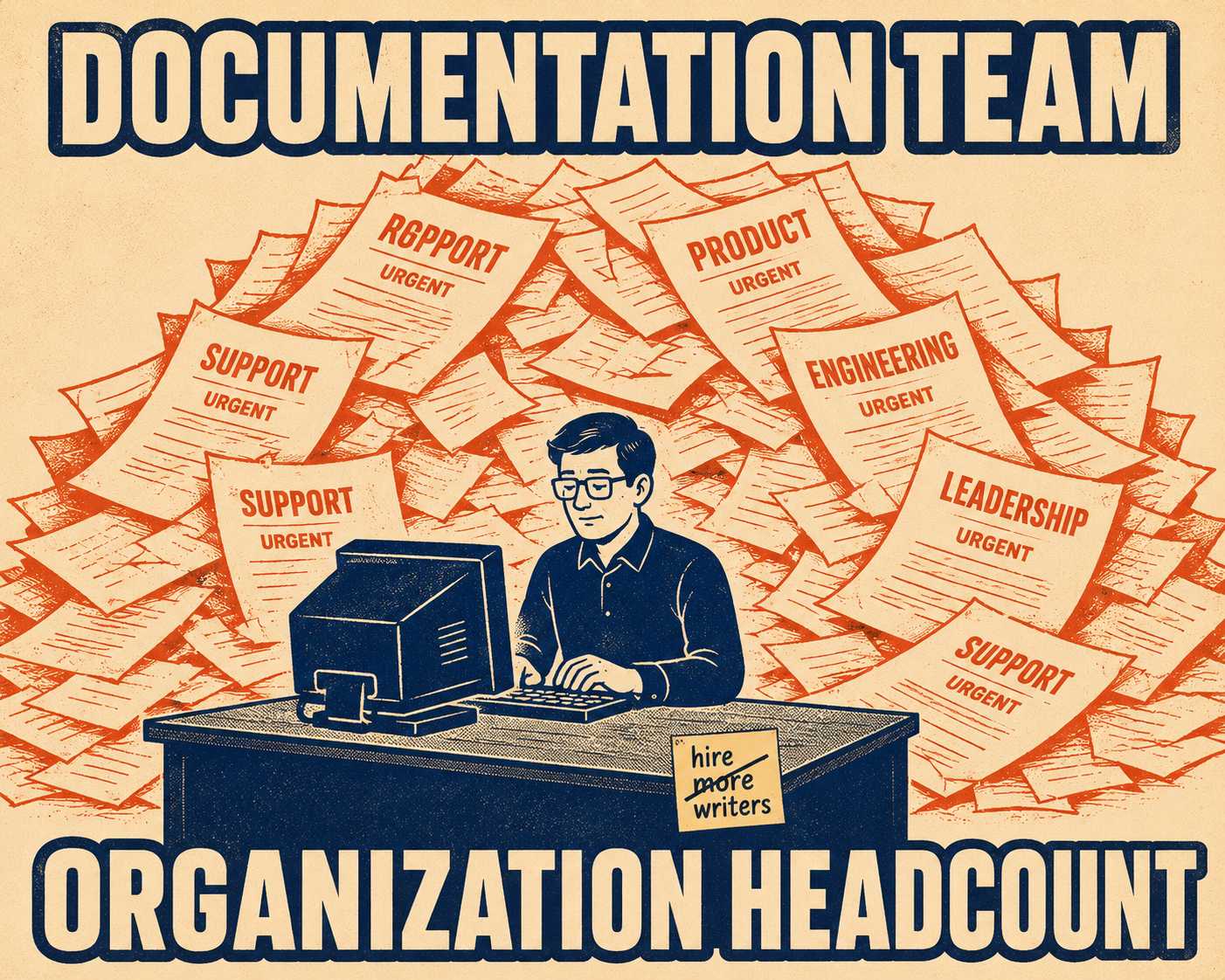
Support is demanding a new troubleshooting guide because a recent deployment broke a legacy integration and their queue is overflowing. Product wants a glowing set of release notes for a feature launch happening on Thursday. Engineering needs the API reference updated because they changed an endpoint over the weekend and didn't tell anyone until Monday afternoon. Leadership wants a complete audit of the onboarding documentation because a major client complained that it was confusing.
Everyone claims their ticket is a "P0." Everyone believes their need is the most critical thing the company is doing today.
You have two writers.
This is the reality for almost every documentation team. You are expected to serve every other function in the organization, usually with a fraction of the headcount required to do it. When you inevitably fall behind, it can feel like a personal failure of organization or time management. It isn't. The problem is structural: when a team has no clear ownership over a specific business metric, and no defensible framework for deciding what to tackle first, they become a dumping ground for everyone else's priorities. The backlog grows infinite. The team stays finite. And there is no shared agreement on what "urgent" even means.
The solution is not to work faster. It is to build a prioritization framework that makes your decisions legible—and defensible—to the rest of the organization.
Your Backlog Is Not a Task List, It's a Triage Problem
Most prioritization advice collapses into vague platitudes like "align with business goals." That sounds fine in a quarterly planning deck. It does not help you decide whether to write the release notes or fix the API reference at 2:00 PM on a Thursday.
A functional triage system requires scoring requests on three specific axes:
- Revenue or retention impact. Does this directly affect a customer's ability to pay you, or their decision to stay?
- Cost of absence. Is the missing documentation an immediate friction point, or a slow burn?
- Effort to produce. Is this a quick win, or a deep research project?
This is a variation of the ICE scoring model (Impact, Confidence, Ease), adapted for the specific realities of technical content.
To make it work, you have to assign actual values—and then hold to them.
The table above shows how this plays out in practice. High-impact, low-effort work goes first. The release notes for a feature customers have been waiting months for? That's a clear win: the impact on user satisfaction is high, and if the product team did their job, the effort to document it is relatively low.
Low-impact, high-effort work goes to the bottom of the pile, or gets cut entirely. Rewriting legacy architecture documentation for a deprecated product with three active users is a high-effort task with almost zero business impact. It does not matter how loudly the engineer who built it complains. It does not get done.
When Missing Docs Compound Like Debt
The second axis—the cost of absence—is where most teams underestimate the stakes.
Not all missing documentation costs the same. Some missing docs are a one-time annoyance. Others behave like compound interest on technical debt: the longer they go unaddressed, the more expensive they become.
If you skip a blog post about a minor UI update, you might miss a few clicks. The cost is flat and bounded.
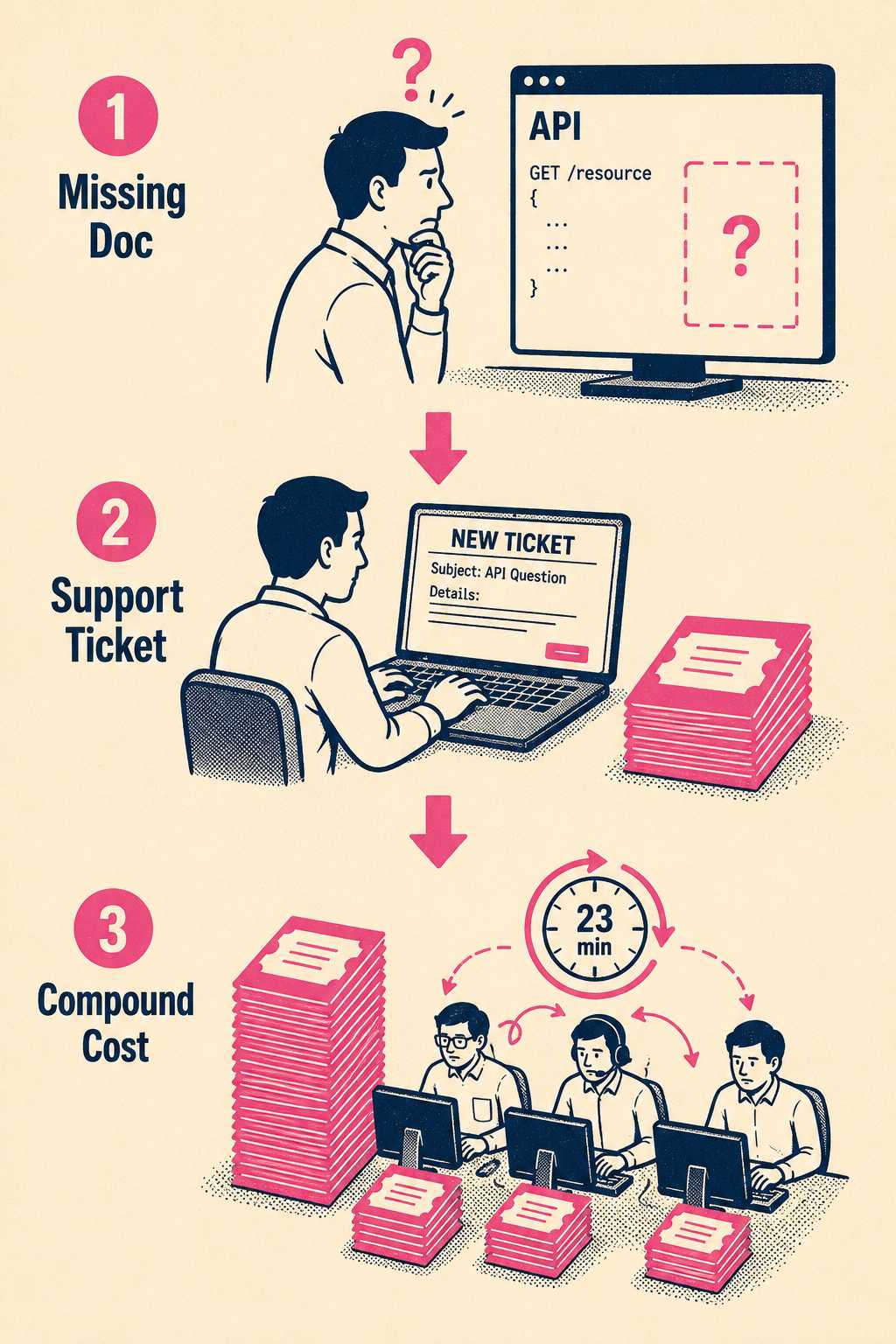
If you skip documenting a complex API integration, the cost compounds. First, the user gets stuck. Then, they open a support ticket. The average SaaS support interaction costs around $10 per ticket, and that figure climbs sharply when escalated to a senior engineer who has to stop what they're doing to answer the same question for the fourteenth time. Research from UC Irvine shows that developers need an average of 23 minutes to fully rebuild their focus after a single interruption. If this happens ten times a week, the undocumented API isn't just an annoyance; it is actively burning thousands of dollars in operational costs and engineering time.
The churn effect is just as real. Industry data suggests 44% of SaaS customers churn because they cannot achieve their desired outcomes—not because the product failed them, but because they couldn't figure out how to use it. Companies that have invested in comprehensive documentation have seen support ticket volumes drop by 50% or more within months.
When scoring the cost of absence, you have to think about blast radius. Does missing this document create a cascading failure of support tickets, engineering interruptions, and user drop-off? If yes, it moves up the queue regardless of how much effort it requires.
How to Push Back on a VP
Having a framework is only half the battle. The other half is getting the rest of the organization to respect it.
The question that comes up constantly for senior technical writers is: how do you tell a VP that their pet project isn't getting documented this sprint?
The wrong answer is "we don't have time." That invites an argument about time management, and you will lose.
The right answer is something like: "We prioritize based on support ticket volume, user drop-off, and revenue-blocking issues. If we deprioritize the API reference update to work on your project, here is what that trade-off looks like in support costs this week. Are you comfortable owning that?"
This is the leverage a legible framework gives you. It shifts the conversation from a subjective argument about whose need is more important to an objective discussion about trade-offs. On one hand, the VP wants their feature documented. On the other hand, they do not want to be the reason the support queue melts down. When you frame the decision around shared business metrics, you give yourself the language to push back without getting steamrolled.
The key is having the metrics ready before the conversation happens. Track support ticket volume by documentation area. Monitor which features generate the most user drop-off. Know which API endpoints generate the most developer questions. When you can say "this specific gap is generating 40 tickets per week," the conversation changes.
The Part of Your Backlog That Shouldn't Require a Writer
When you finally get your backlog organized, you will notice something interesting.
A good prioritization system clarifies what you should work on. But it also clarifies what kind of work you have.
A significant percentage of most high-priority backlogs consists of structured, predictable updates: API references, changelogs, release notes, routine configuration guides. This is necessary work. It is not high-judgment work. It is execution.
If 40% of your sprint cycles are consumed by manually updating API parameters and formatting release notes, you are spending your most valuable resource—the analytical, structural thinking of a senior technical writer—on tasks that follow a predictable pattern every single time. That is a tooling problem, not a staffing problem.
The era of the massive, centralized documentation team is contracting. Profitable companies are making strategic decisions to run leaner. The teams that survive and thrive in that environment are the ones that have figured out how to separate the high-judgment work from the structured execution work, and automate the latter.
Doc Holiday is built for exactly this. It generates structured documentation output directly from your engineering workflows: release notes from code commits, API references from your spec, changelogs from your deployment history. Your senior writers review the output in a dashboard, validate for accuracy, and flag edge cases—rather than writing from scratch. The structured portions of your prioritized backlog get executed automatically. Your writers focus on the complex, high-judgment problems that actually require their expertise.
A prioritization framework tells you what to do. The right tooling makes sure the structured portions of that list don't consume the entire sprint.



